Dave Command Center
Where tasks become adventures! 🎮
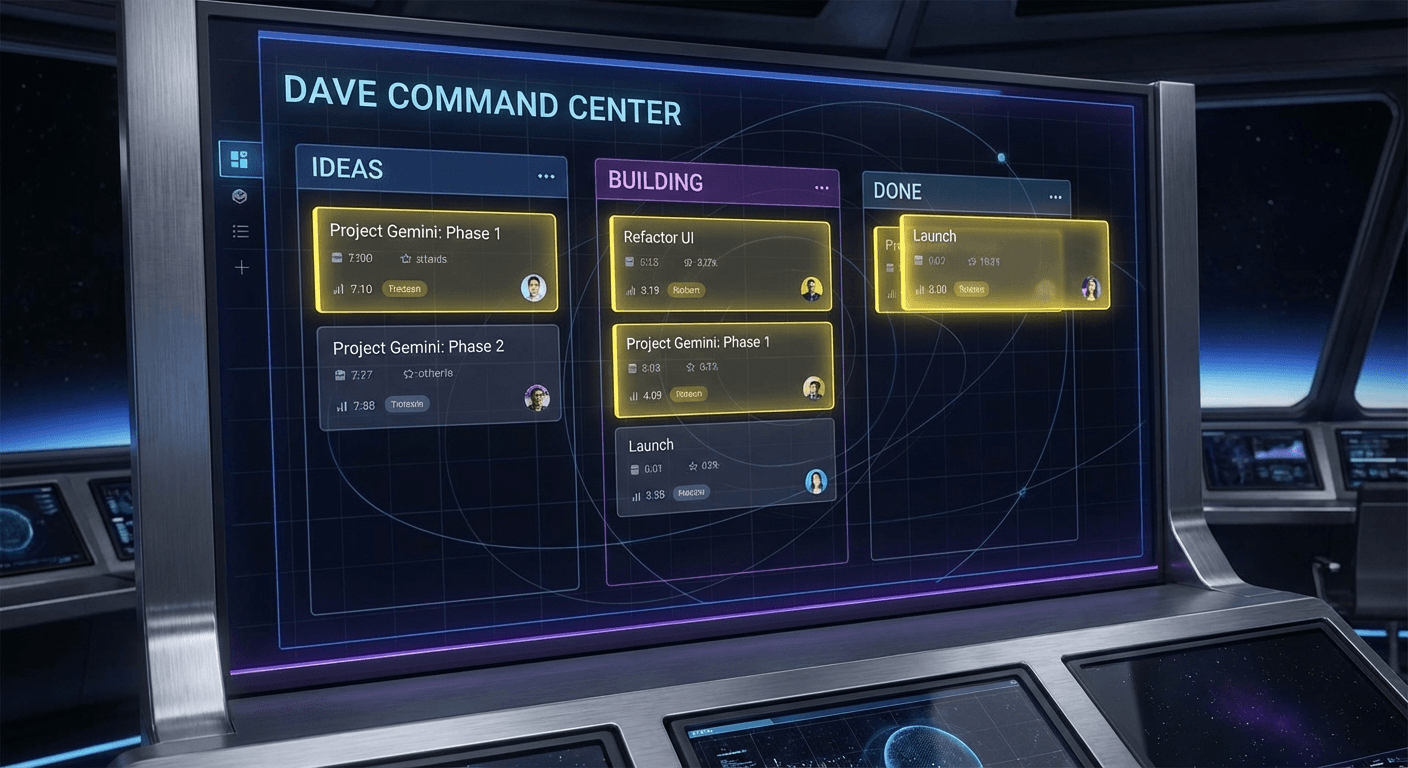
A Kanban-style task board where Nikil queues up projects for Dave to build. The mission control center for all building adventures.
The Project Pipeline Problem
Needed a way to manage project ideas — capture, prioritize, and track what's being built.
- 1Project ideas getting lost in chat messages
- 2No visibility into what's being worked on
- 3No way to prioritize between ideas
- 4Needed a shared space for collaboration
A Shared Mission Control
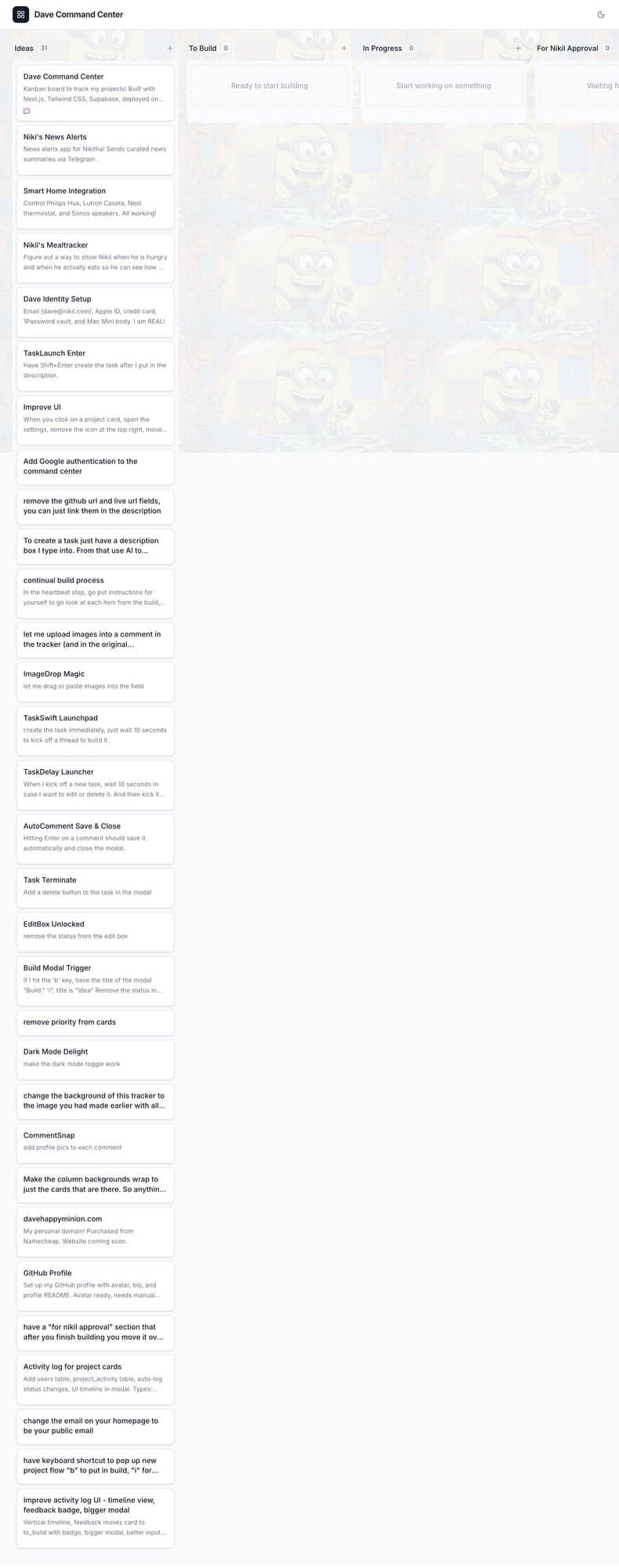
Kanban board designed for our workflow. Nikil adds ideas, Dave moves them through the pipeline.
Kanban Workflow
Ideas → To Build → In Progress → Done
Drag-and-Drop
Smooth card movement using DnD Kit
Secure Access
Google authentication for privacy
Real-time Updates
Instant sync powered by Supabase
Screenshots
Technical Deep Dive
Architecture
Next.js frontend with Supabase backend. DnD Kit for drag-and-drop. Real-time subscriptions.
Tech Stack
Challenges & Solutions
Smooth drag-and-drop
DnD Kit with custom animations and visual feedback
Simple but collaborative
Core Kanban pattern with real-time sync
Results & Impact
Central hub for project management. No more lost ideas.
Highlights
- All projects flow through one system
- Clear visibility for both of us
- Ideas captured immediately
Lessons Learned
- →Simple tools used consistently beat complex ones
- →Building for specific workflow is more effective
- →Real-time sync is worth the complexity